

Logfire’s automatic instrumentation combined with Portkey’s intelligent gateway creates a powerful observability stack where every trace is enriched with routing decisions, cache performance, and cost optimization data.
Why Logfire + Portkey?
Zero-Code OpenAI Instrumentation
Logfire automatically instruments OpenAI SDK calls without any code changes
Gateway Intelligence
Portkey adds routing context, fallback decisions, and cache performance to every trace
Python-First Design
Built by the Pydantic team specifically for Python developers
Real-Time Insights
See traces immediately with actionable optimization opportunities
Quick Start
Prerequisites
- Python
- Portkey account with API key
- OpenAI API key (or add it to Model Catalog)
Step 1: Install Dependencies
Install the required packages for Logfire and Portkey integration:Step 2: Basic Setup - Send Traces to Portkey
First, let’s configure Logfire to send traces to Portkey’s OpenTelemetry endpoint:Step 3: Complete Setup - Use Portkey’s Gateway
For the best experience, route your LLM calls through Portkey’s gateway to get automatic optimizations:Step 4: Make Instrumented LLM Calls
Now your LLM calls are automatically traced by Logfire and enhanced by Portkey:Next Steps
Configure Gateway
Set up intelligent routing, fallbacks, and caching
Model Catalog
Manage AI providers, credentials, and model access centrally
View Analytics
Analyze costs, performance, and usage patterns
Set Up Budget & Rate Limts
Set Rate and Budget Limits per model/user/api-key
See Your Traces in Action
Once configured, navigate to the Portkey dashboard to see your Logfire instrumentation combined with gateway intelligence: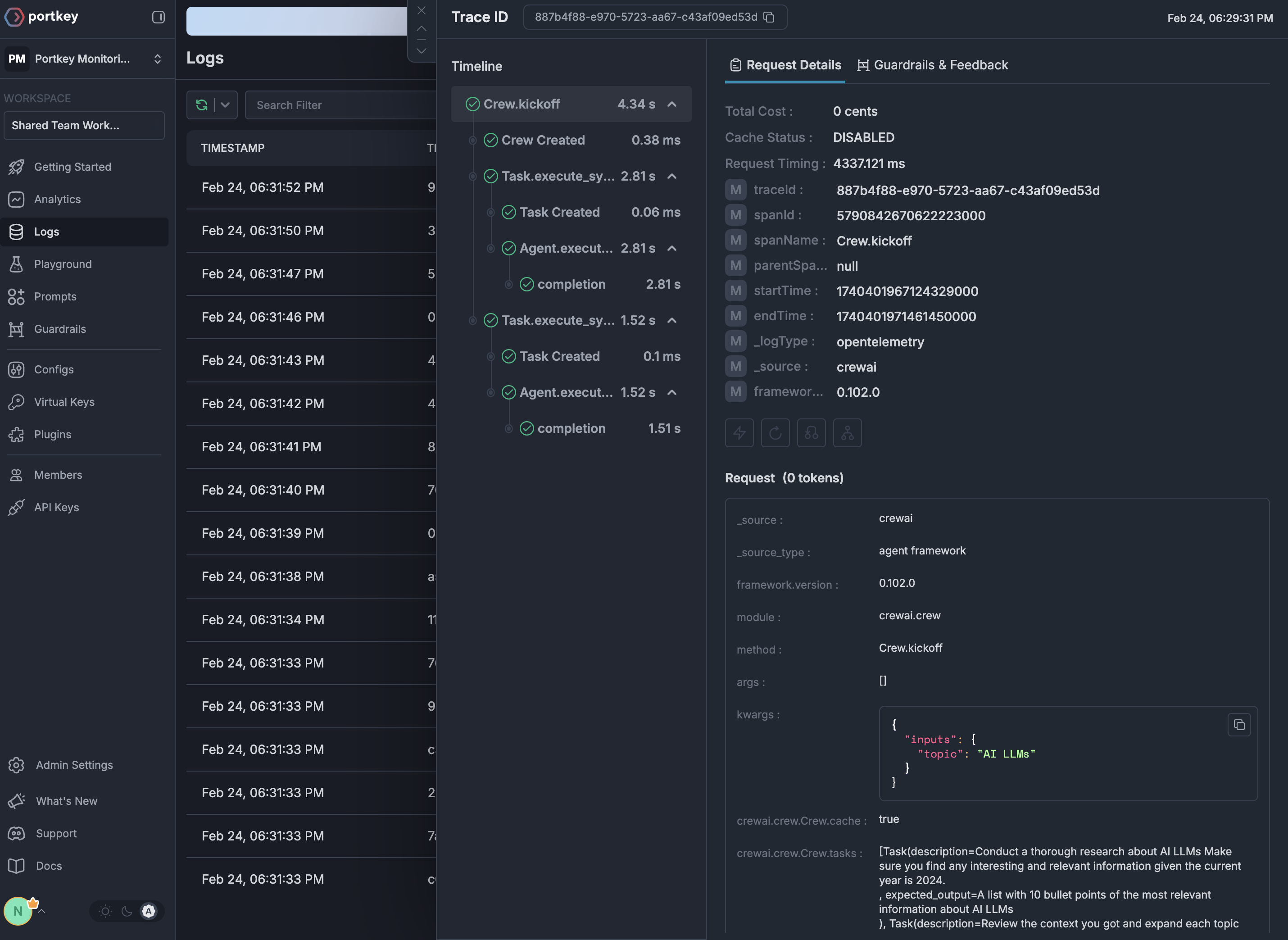
Portkey is now PRISMA AIRS AI Gateway. See it in action.
Contact Us