Functions Usage

Portkey supports the OpenAI signature to define functions. Pass the tools parameter to models that support function/tool calling.
import Portkey from 'portkey-ai';

const portkey = new Portkey({
    apiKey: "PORTKEY_API_KEY",
});

async function run() {
  const response = await portkey.chat.completions.create({
    model: "MODEL_NAME",
    messages: [{ role: "user", content: "What's the weather like in Boston today?" }],
    tools: [{
        type: "function",
        function: {
          name: "get_current_weather",
          description: "Get the current weather in a given location",
          parameters: {
            type: "object",
            properties: {
              location: {
                type: "string",
                description: "The city and state, e.g. San Francisco, CA",
              },
              unit: { type: "string", enum: ["celsius", "fahrenheit"] },
            },
            required: ["location"],
          },
        }
    }],
    tool_choice: "auto",
  });

  console.log(response.choices[0].message.tool_calls);
}

run();

API Reference

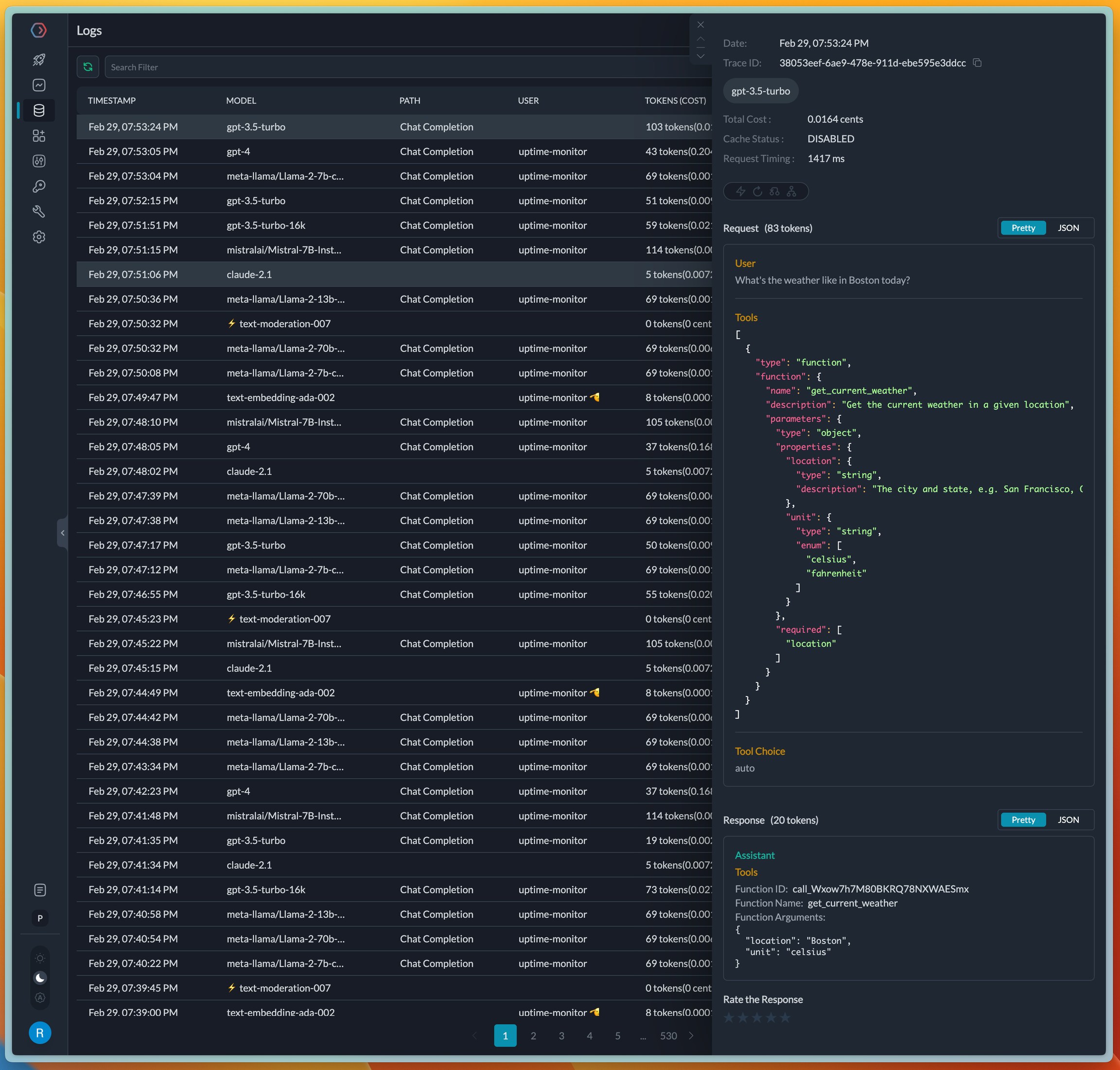
On completion, the request logs in the Portkey UI where tools and functions are visible. Portkey automatically formats the JSON blocks in the input and output for easier debugging.

Managing Functions and Tools in Prompts

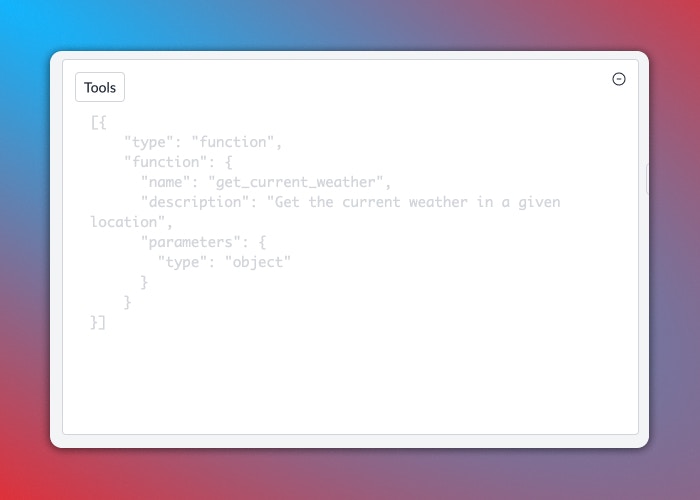
Create prompt templates with function/tool definitions in Portkey’s Prompt Library. Set the tool_choice parameter, and Portkey validates your tool definition on the fly, eliminating syntax errors.

Supported Providers and Models

Portkey provides native function calling support across all major AI providers. If you discover a function-calling capable LLM that isn’t working with Portkey, please let us know on Discord.

Cookbook

See the detailed cookbook on function calling.
Last modified on March 16, 2026